
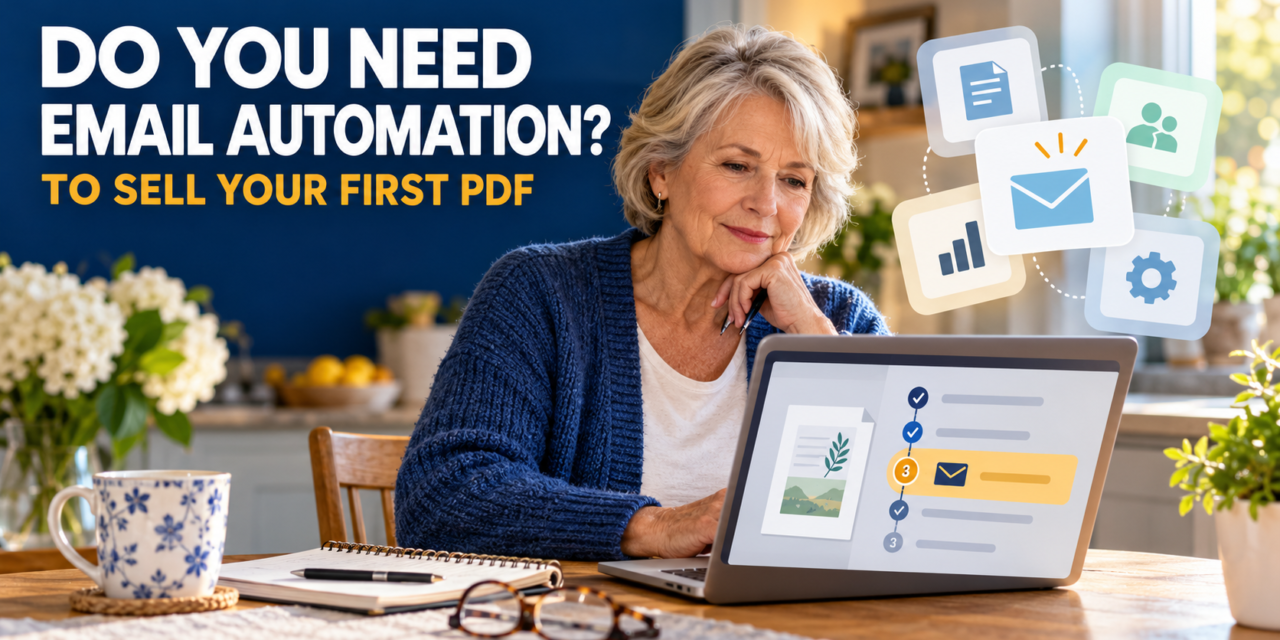
Do You Need Email Automation to Sell a PDF? A Beginner’s Guide
Usually, you don’t need a separate email marketing system to sell your first PDF. You do need a way to take payment and deliver the file. Check whether your selling service already handles delivery before adding another tool.
The Beginner Guide Says “Connect Email Automation”. Do You Actually Need It?
You’ve finished your PDF. You’re ready for the next step. Then the tutorial says: “Connect your email automation.”
You don’t know what that means. Worse, the guide doesn’t tell you why you need it.
Before you open another tab or sign up for a free trial, ask yourself:
What would this tool do for my first buyer?
If it sends a series of marketing emails, you can decide on that later. If it makes sure your buyer receives the PDF they paid for, you need a reliable way to do that. But your payment service might already handle delivery.
You can find out before spending any money.
Check the help pages for the selling service you plan to use. See what happens after a purchase, how you add your PDF, and what charges apply. For example, Gumroad explains how customers access purchased products through its Library and lists its fees. Use the same questions to assess whichever service you choose.
Here’s what that looks like with your PDF
Suppose you’ve made a six-page gardening checklist. It’s saved on your computer, and your tutorial now tells you to connect email automation.
Take your notebook and write:
I think this tool is meant to: ______
The service I’m using already does this: yes/no /I don’t know
Now check what happens when someone buys your checklist. Will they get the PDF? Can you see how to upload it? Can you help if they cannot open it?
If you can answer those questions, you can return to the tutorial and decide whether its email step is needed for something else. If you cannot, you’ve found the next specific instructions you need: how to deliver your file after payment.
That is a much smaller question than “How do I learn email automation?”
Why you got stuck when the first steps seemed easy
You may have followed every instruction carefully. The guide explained how to write your pages and save the PDF. Then it used words like “connect”, “integrate”, or “publish” without showing you what to click or what should happen next.
That gap is in the instructions. You are learning two things at once: how to make a product and how to use the software that sells it. A guide can explain one well and assume you already know the other.
When you encounter a vague instruction, translate it into a verifiable result. For instance, “publish your product” should eventually mean that you can see its description and price, and a buyer can pay and receive the file. If the guide skips one of those parts, you know exactly where to look for more help.
Save yourself a wasted morning next time.
Before you start another “beginner” tutorial, scroll to the end. Then ask yourself four questions:
- What will I have when I finish? A PDF on my computer, a product page, or a working way to sell and deliver it?
- Which new accounts will I need? Do I understand what each one is for?
- What could I pay? Check the current charges and what happens when a trial ends.
- Does the guide explain the awkward steps? Look closely at instructions that say “connect”, “automate” or “publish”.
You don’t need to understand every tool before you begin. You do need to know where the guide is taking you and what you might have to sign up for along the way.
What to do right now
Go back to the exact sentence where you stopped. Write down the job you think the unfamiliar tool is meant to do. Check whether the service you’re already using does that job.
Try to finish one of these sentences:
“I need this tool because it does ______, and my current service does not.”
or
“My current service already does ______, so I can move on.”
“Don’t build your online income alone.”
At Retiree Essentials, I help UK retirees explore realistic ways to earn online, one understandable step at a time. If you would welcome friendly support as you learn, join my free, private Facebook group,
👉 Join Marketing with Martin and move forward with support, not stress.